5-in-1 External Blu Ray Drive USB 3.0 CD/DVD Bluray Player for Laptop PC
USD $49.29
Condition : New
Free Shipping
{{variant_type_name}} :

Notify me when the price drops
We will email you if we find a lower price on this product!
💽Pay Attention : 1.This external optical drive does not support burning Blu ray discs, not fit for 4K,TV, Car, Tablet, Smartphone,Projector and chromebook.2.Playback software is not included. We recommend professional Blu-ray software such as PowerDVD,Leawo Blu-ray Player,etc. Some software will need some fees, please install your preferred Blu-ray software before.
✅Wide Compatibility --- The USB 3.0 & Type-C Blu ray drive supports a wide range of operating systems, such as Windows XP/2003/Vista/7/8/10/11, Linux, and all versions of the Mac OS system. It is an ideal choice for laptops, desktops, and MacBooks lacking an integrated optical drive.
✅Portable -- This 5 in 1 blu ray player external offers versatile features, plug and play. It can read BD/DVD/CD discs and has 1 SD card slot, 1 TF card slot, and 2 USB 3.0 ports for data transfer or charging purposes. You can easily transfer music, blu ray uhd movies, and data files from SD cards, TF cards, or through the USB/Type-C ports to your computer. Additionally, you can transfer files from a external blu ray drive to an SD card, USB hard drive, or USB flash drive. Please note that you can only use either the SD card or the TF card at a time. However, both can function simultaneously with the 2 USB 3.0 ports.
✅Note --- This external Blu ray drive supports 3D playback, providing you with lifelike clarity that comes close to 4K quality. However, it is important to note that the drive cannot play 4K Ultra HD Discs. Also, please make sure that the playback software installed on your computer is compatible with the Blu ray format. We suggest downloading the free software "Cyberlink BD&3D Advisor" and installing it on your computer to verify whether your computer is equipped for Blu ray or 3D playback. The software will deliver the outcome of the test.
💽Usage steps💽
【Step1】 Plug the USB A or USB C connector into your computer's USB port instead of a USB hub. (Suggest using it with the power cord.)For Windows OS: You can see the BD RW icon in Windows Explorer. Use the data cables on the back (bottom) of the optical drive to connect your computer's USB port or desktop computer host. Windows 10/11 requires downloading playback software.For Mac OS: The Mac OS computer will not display the device icon until the disc is placed in the optical drive and the disc is read successfully.
【Step2】 Your computer will recognize the drive and shows "BD-ROM" folder for blu ray drive or "CD/DVD ROM"folder for ordinary drive.
【Step3】Set the DVD region code (CDs do not have region code). The disc can only be played when there on code of the DVD drive matchesthe DVD.(Note: Only allows to change the region code 4-5 times)The operating steps are on the last page of the manual.
【Step4】 Insert your CDs or DVDs, Use a media player.If playing Blu ray disc, it is necessary to download Blu ray playback software in advance.(For Windows, such as PowerDVD etc. For Mac OS, such as Macgo Blu ray Player,etc.)
【Step5】Pop up the disc. (Right click on the folder and select the pop-up option)
✅Wide Compatibility --- The USB 3.0 & Type-C Blu ray drive supports a wide range of operating systems, such as Windows XP/2003/Vista/7/8/10/11, Linux, and all versions of the Mac OS system. It is an ideal choice for laptops, desktops, and MacBooks lacking an integrated optical drive.
✅Portable -- This 5 in 1 blu ray player external offers versatile features, plug and play. It can read BD/DVD/CD discs and has 1 SD card slot, 1 TF card slot, and 2 USB 3.0 ports for data transfer or charging purposes. You can easily transfer music, blu ray uhd movies, and data files from SD cards, TF cards, or through the USB/Type-C ports to your computer. Additionally, you can transfer files from a external blu ray drive to an SD card, USB hard drive, or USB flash drive. Please note that you can only use either the SD card or the TF card at a time. However, both can function simultaneously with the 2 USB 3.0 ports.
✅Note --- This external Blu ray drive supports 3D playback, providing you with lifelike clarity that comes close to 4K quality. However, it is important to note that the drive cannot play 4K Ultra HD Discs. Also, please make sure that the playback software installed on your computer is compatible with the Blu ray format. We suggest downloading the free software "Cyberlink BD&3D Advisor" and installing it on your computer to verify whether your computer is equipped for Blu ray or 3D playback. The software will deliver the outcome of the test.
💽Usage steps💽
【Step1】 Plug the USB A or USB C connector into your computer's USB port instead of a USB hub. (Suggest using it with the power cord.)For Windows OS: You can see the BD RW icon in Windows Explorer. Use the data cables on the back (bottom) of the optical drive to connect your computer's USB port or desktop computer host. Windows 10/11 requires downloading playback software.For Mac OS: The Mac OS computer will not display the device icon until the disc is placed in the optical drive and the disc is read successfully.
【Step2】 Your computer will recognize the drive and shows "BD-ROM" folder for blu ray drive or "CD/DVD ROM"folder for ordinary drive.
【Step3】Set the DVD region code (CDs do not have region code). The disc can only be played when there on code of the DVD drive matchesthe DVD.(Note: Only allows to change the region code 4-5 times)The operating steps are on the last page of the manual.
【Step4】 Insert your CDs or DVDs, Use a media player.If playing Blu ray disc, it is necessary to download Blu ray playback software in advance.(For Windows, such as PowerDVD etc. For Mac OS, such as Macgo Blu ray Player,etc.)
【Step5】Pop up the disc. (Right click on the folder and select the pop-up option)

Price type
IN STOCK
OUT STOCK


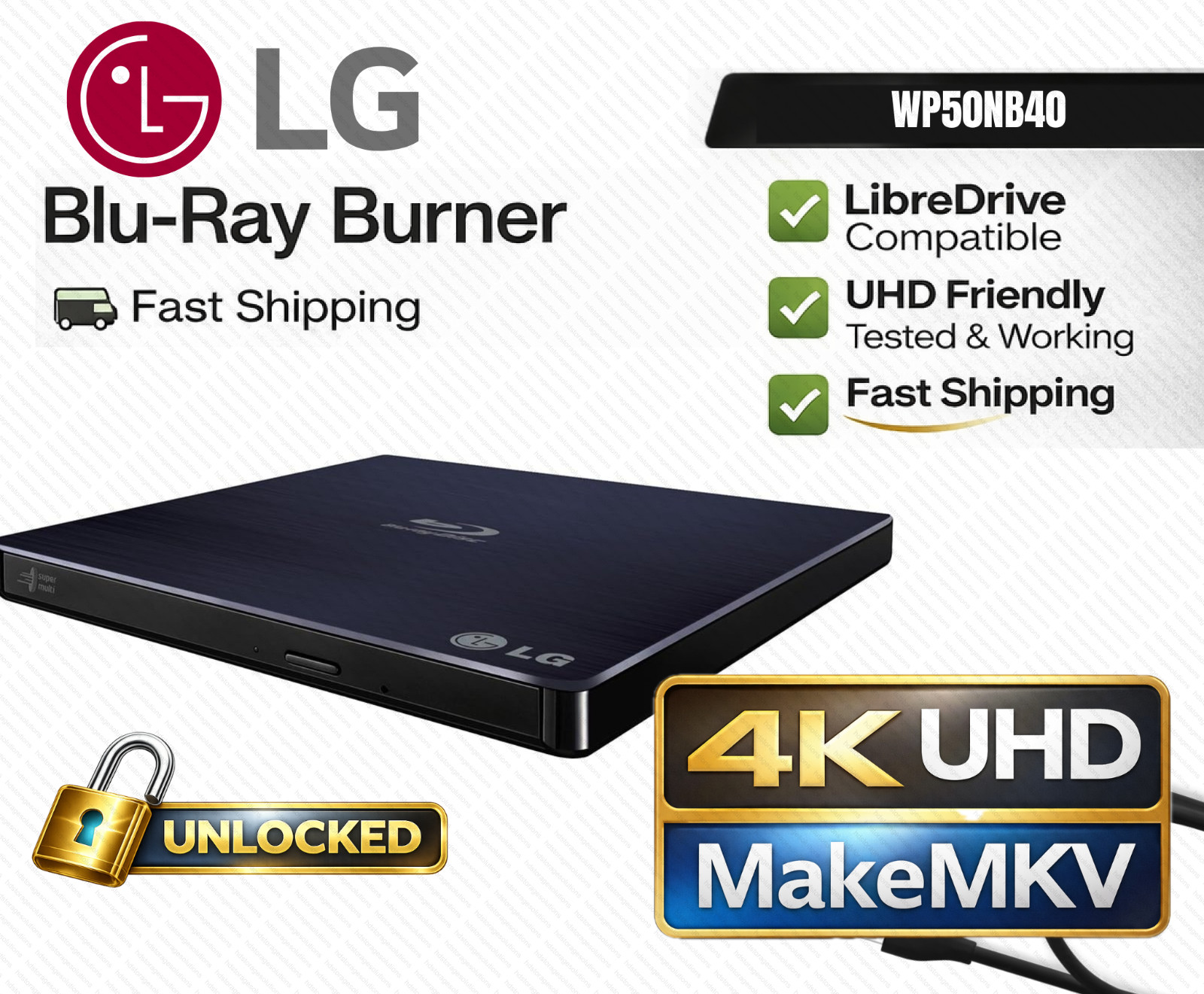
LG WP50NB40 UHD Friendly LibreDrive 4K Blu-ray Drive Pre-Flashed | MakeMKV Ready
By Unbranded

$193.21





 .
.
